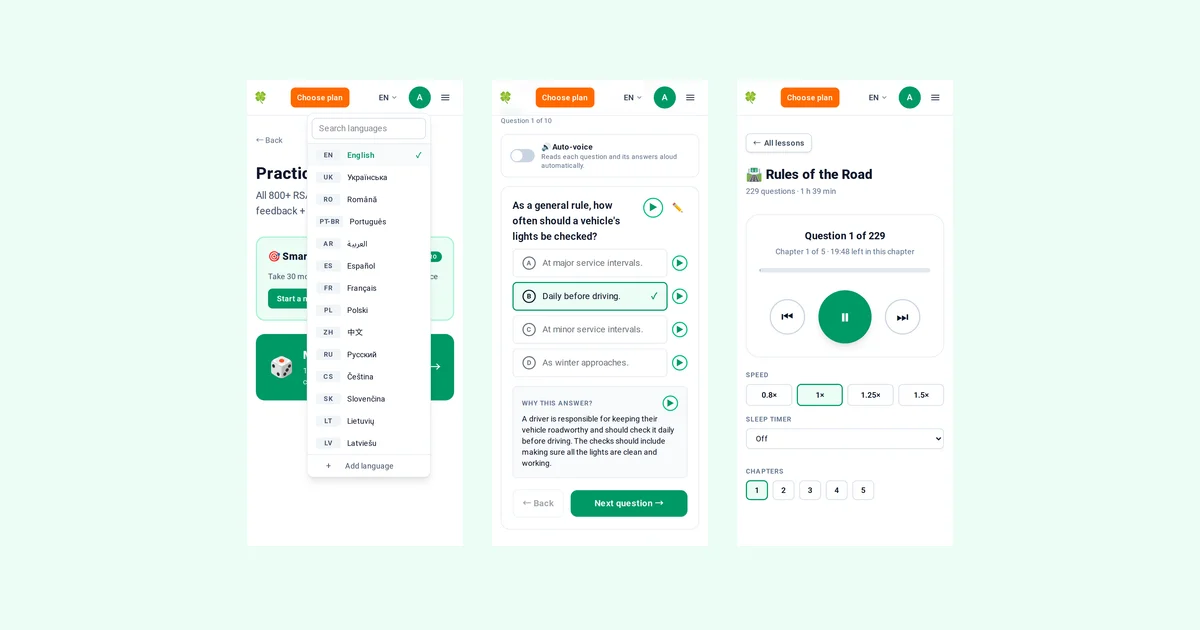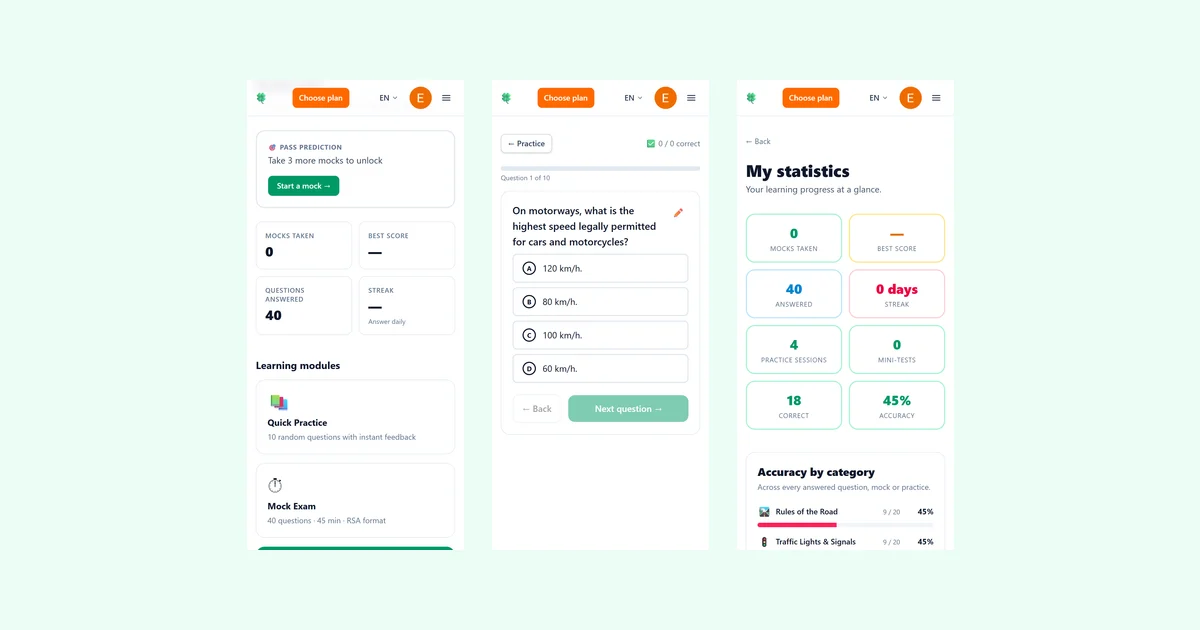
When you invite a friend to drivingtest.irish and they buy Pro for the first time, you both get extra days of Pro. It is a straightforward way to share a useful tool with someone learning to drive in Ireland. Your personal invite page shows the current offer and how many days you have earned.
Quick takeaways
- Share your personal link from the Invite friends page.
- Your friend must be new and must buy Pro for the first time.
- You both get extra Pro days when that first purchase goes through.
- The current number of days is shown on your page — it can change.
- Only the first Pro purchase counts, and refunds remove unused bonus days.
How the programme works
Every signed-in user has a personal invite link. It starts with drivingtest.irish/r/ followed by an 8-character code. You also have the same code on its own.
The reward is for buying Pro, not for signing up. When a friend you invited buys Pro on drivingtest.irish for the first time, they get extra days of Pro on top of what they bought, and you get days of Pro too. Both arrive straight away, within a minute or two of the payment.
The exact number of days for you and for your friend is shown on your Invite friends page. It can change from time to time, so check the page to see the current offer.
Pro gives unlimited mock exams, Smart practice built from your weak topics, audio lessons and more.
Where to find your link
Open the account menu by tapping your avatar in the top right and choose 'Invite friends'. Your 'Learning' page (the dashboard you see after signing in) also has an 'Invite friends' card.
On that page you can see your personal invite link and your invite code. You can copy the link with one tap or share it straight to WhatsApp, Telegram or by email. On most phones, and on some computers, there is also a Viber button and a 'Share…' button that opens your device's own share sheet. A ready-made message goes with the link.
How to share it
Your friend opens the link and creates a new account. The link is remembered for 30 days in the browser where it was opened, so they do not have to sign up straight away. If they opened it inside another app (for example WhatsApp or Instagram) and then sign up in a different browser, they should type your invite code instead.
A friend who signs up without the link can type your invite code on the sign-up page under 'Have an invite code?'.
Open your Invite friends page
Tap your avatar in the top right and choose 'Invite friends', or use the 'Invite friends' card on your 'Learning' page.
Copy your link or share it
Use the one-tap copy button, or share straight to WhatsApp, Telegram or email. On most phones you can also use Viber or the 'Share…' button, which opens your phone's share sheet.
Your friend signs up
They open the link and create a new account. The link is remembered for 30 days in that browser, so they do not have to sign up straight away. If they sign up without the link, they can type your invite code on the sign-up page under 'Have an invite code?'.
Your friend buys Pro for the first time
The reward is for buying Pro, not for signing up. Only the first Pro purchase counts.
You both get extra days
The days arrive within a minute or two of the payment. Check your Invite friends page to see the current number of days and how many you have earned.
When the days arrive and what does not count
Bonus days arrive straight away, within a minute or two of the payment, and are added to both accounts at the same time. The only exception is an invitation that is being checked by hand (see below): its days come only if the check approves it.
Only the friend's first Pro purchase counts. Later purchases or renewals do not earn anything more. The friend's account must be new. Someone who already has an account cannot be invited.
If your friend only signs up and never buys Pro, no days are given to either of you.
Refunds, limits and checks
If that payment is refunded or charged back, the bonus days are taken back from both of you. Only the days not used yet are removed. The paid Pro itself is handled by the normal refund rules.
There is a limit on how many bonus days one person can earn in a period. Your Invite friends page shows how many you can still earn. If you are close to the limit, you get only the days that still fit. When you reach it, your friends still get their days.
To keep the bonus for genuine new users, some invitations are checked by hand before any days are given. This can happen when the new account seems to come from the same device or network as the person who invited them, uses an email address we already know, or when many people sign up through one link within a day. Inviting yourself with a second account does not work.
Full rules are in our Terms of Service, section 8 'Plans, prices and payment'.
Where to share and how to do it fairly
Good places to share are family and work chats where someone is learning to drive, friends who have recently moved to Ireland, your own social media post or story, and groups for people from your country in Ireland where the group rules allow it.
Please do not spam. If you post the link publicly, say that you get a bonus for it. For example: 'I get bonus days if you sign up with my link'.
Your Invite friends page shows how many friends signed up through your link and how many days of Pro you have earned. It never shows your friends' names or email addresses.
The programme can be paused. If it is paused, the page says so and the link still opens the site, but friends who sign up during the pause are not counted, even later. A friend who signed up before the pause and buys Pro during it gets the days for both of you once the programme is back on.
Be open when you share publicly
If you post your link on social media or in a group, say that you get a bonus for it. A simple line like 'I get bonus days if you sign up with my link' keeps things clear and fair.
Share your invite link
See your personal link, the current offer and how many days you have earned.
Open your Invite friends page